Where things go
-
The menu inside Create
In Create or the Agent, tap ☰ at the top left:
- Chat history (1): every conversation with the Agent, with its results.
- Library (2): all your images, videos and audio.
- Tasks (3): every creation, in progress and finished.
- Projects: groups of creations and chats you put together.
Outside Create, the Activity tab in the bottom bar shows your Tasks and Notifications, and Gallery is your profile, with your media, tales, personas and how many posts you’ve shared.
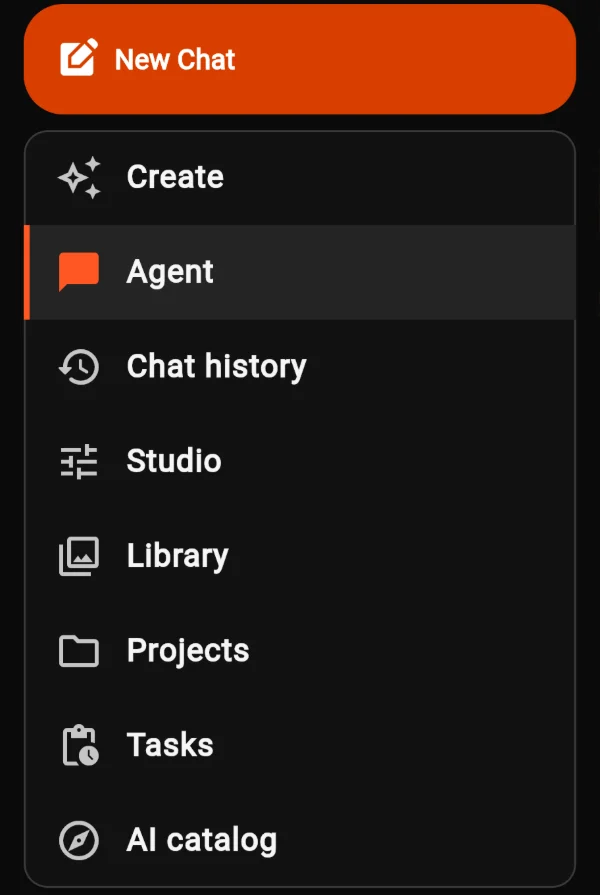
The menu inside Create.
Tasks
-
See what’s cooking and what’s done
Each task shows a preview, your prompt and its status, such as Complete or Generation failed. Tap the preview to view the result.
The ⋮ menu on a task has Details, Open conversation (for Agent creations) and Dismiss. The icon at the top right clears finished tasks from the list.
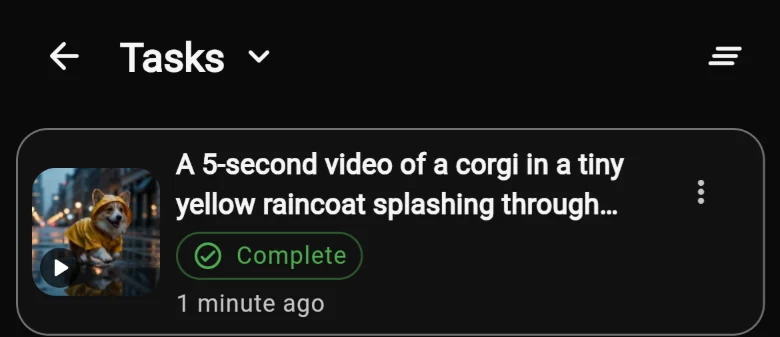
A finished task.
Library
-
All your media in one place
Library has two tabs. Media holds everything you’ve made. Assets holds things saved for reuse, with Mine and Community views.
Search and filter from the top bar. Tap any item to open it.
In the Agent, type @ to use one of your saved assets in a new request.
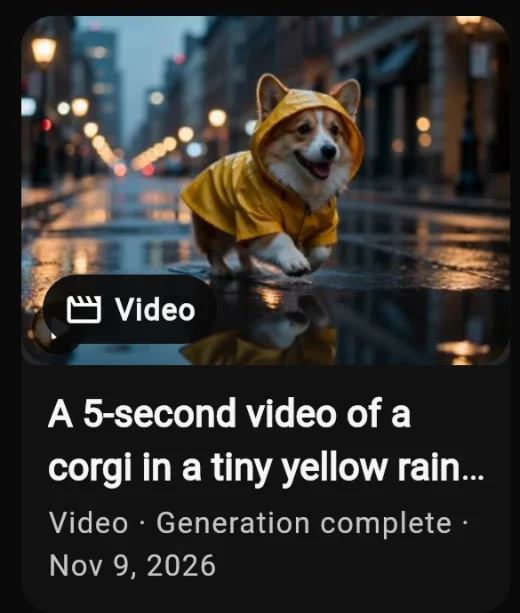
A video in Library → Media.
What you can do with a result
-
The result screen
Many tools open a full result screen when they finish. From there you can:
- Use This: start a new creation from it.
- Post (1): share it to the feed, so others can see it and try it.
- Download and Share: save it, or send it anywhere.
- Add bookmark, Info, Feedback, Report and Delete.
Creations made with the Agent open in a simpler viewer inside the chat.
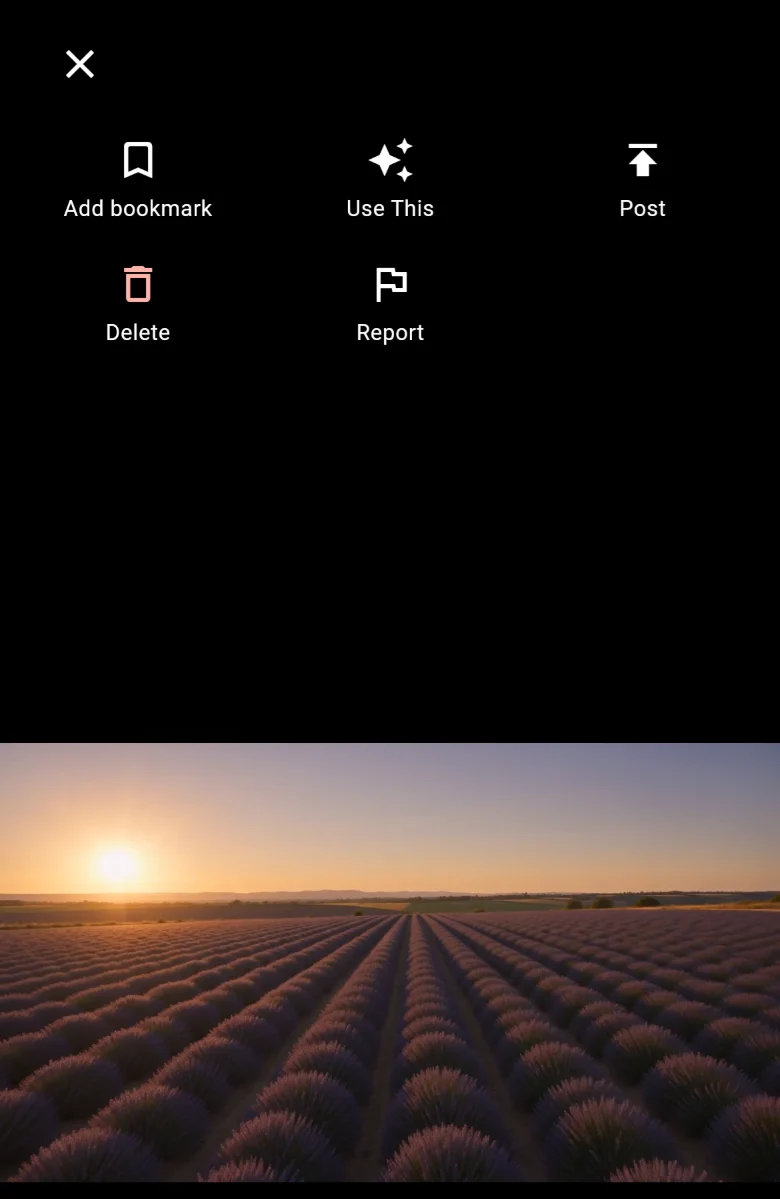
A result, ready to post.