How points work
-
You always see the cost before you spend
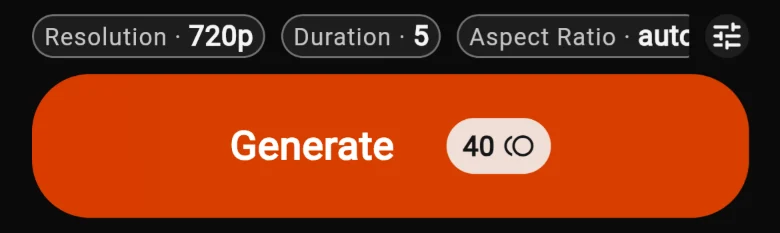
In a tool, the Generate button shows the exact cost, and it updates as you change length, resolution and other settings.
With the Agent, the plan’s Create button shows the cost, and the price is locked for a while so it can’t change under you. Chatting with the Agent itself uses a small number of points.
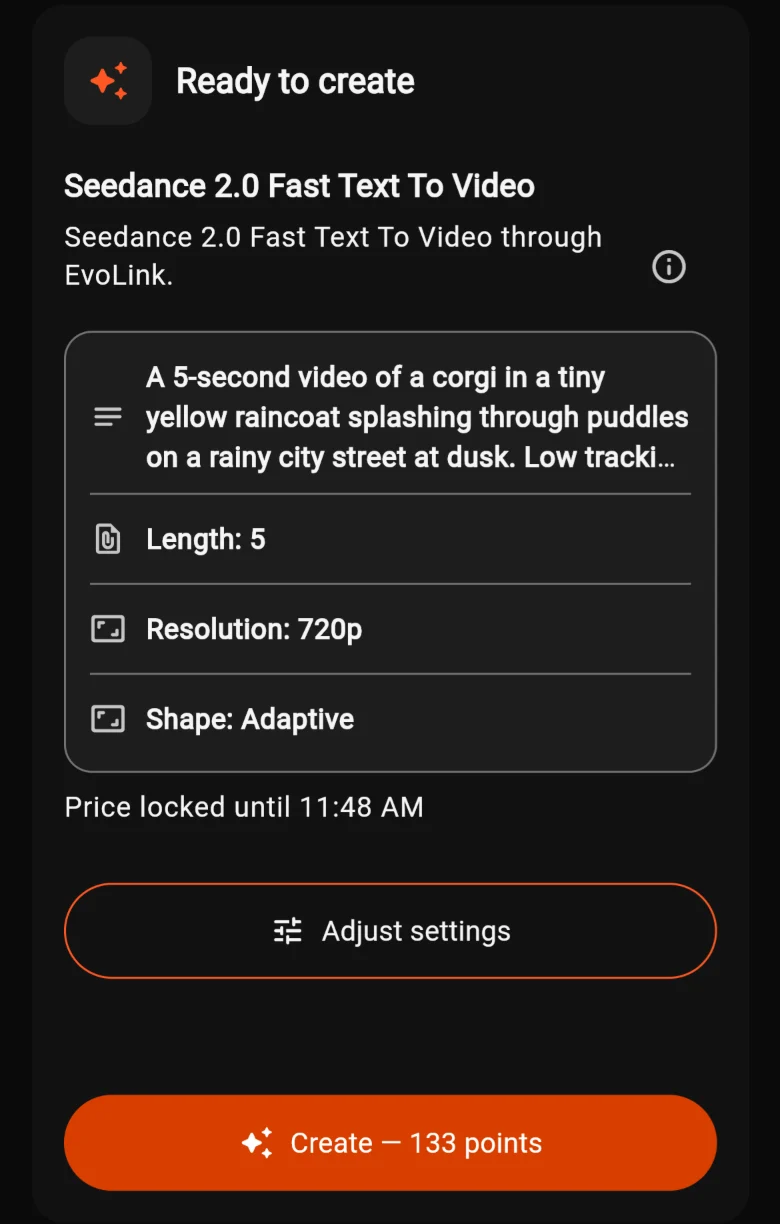
An Agent plan, with its cost on the Create button.
Costs depend on the request
Longer videos, higher resolutions and more powerful models cost more. Shorter, smaller versions are a cheap way to test an idea.
If a creation fails
Failed creations are normally refunded. When that happens, AiCasso tells you: “Generation fizzled out. Points refunded!”
Get more points
-
Buy Points, or Get PRO
Tap ☰ at the top left. You’ll find:
- Get PRO (1): a subscription with more points and premium features.
- Buy Points (2): one-time points packages.
The purchase screen has Subscriptions and Points tabs. Sign in first: purchased points are added to the account you’re signed in with.
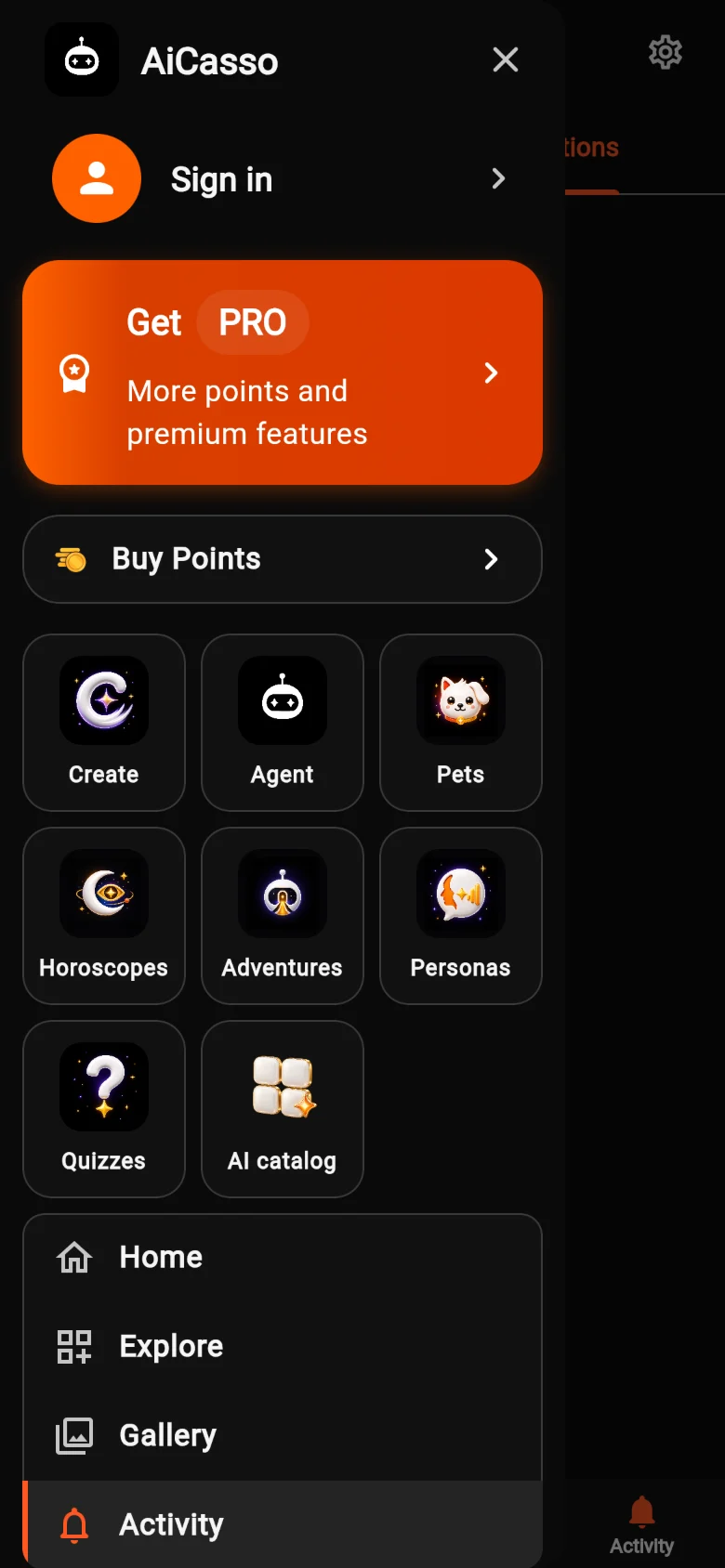
Get PRO and Buy Points in the menu.
Manage, restore and redeem
These live in Settings, the gear icon at the top right of Home.
Subscription Center
See your PRO plan, where you bought it and when the current period ends. Subscriptions are managed or cancelled in the store you bought them from.
Restore Purchases
New phone, or reinstalled the app? Tap Restore Purchases to bring back your PRO subscription.
Gift codes
Type the code in Enter gift code, tap Check to see what it’s worth, then Redeem. For now this needs the iPhone or Android app; sign in with the same account and the points show up on the web too.
One account everywhere
Your points belong to your account. Sign in with the same account on the web, iPhone and Android to use them anywhere.
Quick answers
Is AiCasso free?
It’s free to start, and you can look around before spending anything. AI creations use points.
Can a cost change after I tap Create?
No. You approve the exact cost shown. Agent plans also show how long their price is locked.
I don’t see my points
Check that you’re signed in with the same account you used to buy them. Points belong to an account, not a device.
Something still looks wrong
Email support@aicassoapp.com with what you bought and when, and we’ll sort it out.