Home
-
Eight experiences, one tap each
The top of Home has a tile for every experience: Create, Agent, Pets, Horoscopes, Adventures, Personas, Quizzes and the AI catalog.
Scroll down for the community feed: things people made and shared, with buttons like Try it, Chat and Adopt.
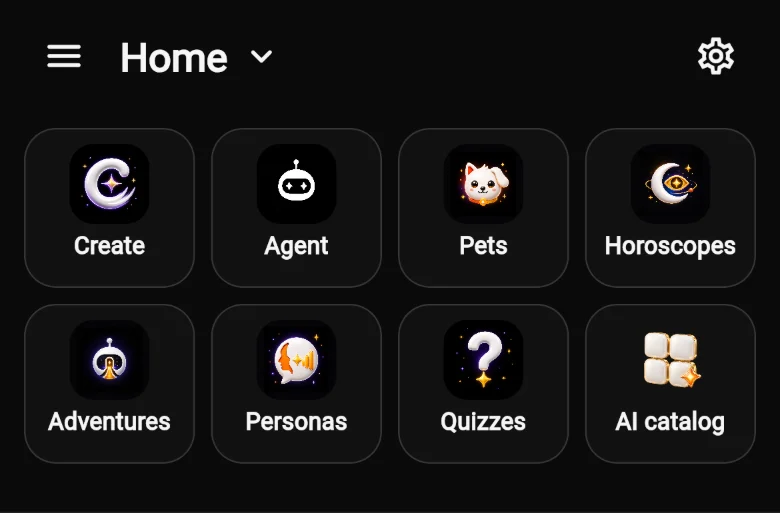
Tap any tile to jump in.
The bottom bar
On a phone, the bar at the bottom is always there. It has four places to go, plus the AI button in the middle.

Home
The experiences and the community feed.
Explore
What you used recently, stories, popular quizzes and every experience.
Gallery
Your profile: what you’ve made, your posts and your personas.
Activity
Tasks shows creations in progress and finished. Notifications shows likes, comments and updates.
The AI button
-
Start anything from one place
Tap the orange AI button. A sheet opens with every experience, and a Describe your idea box at the bottom.
Type an idea there to start a chat with the Agent. Tap + first if you want to add your own photo, video or audio.
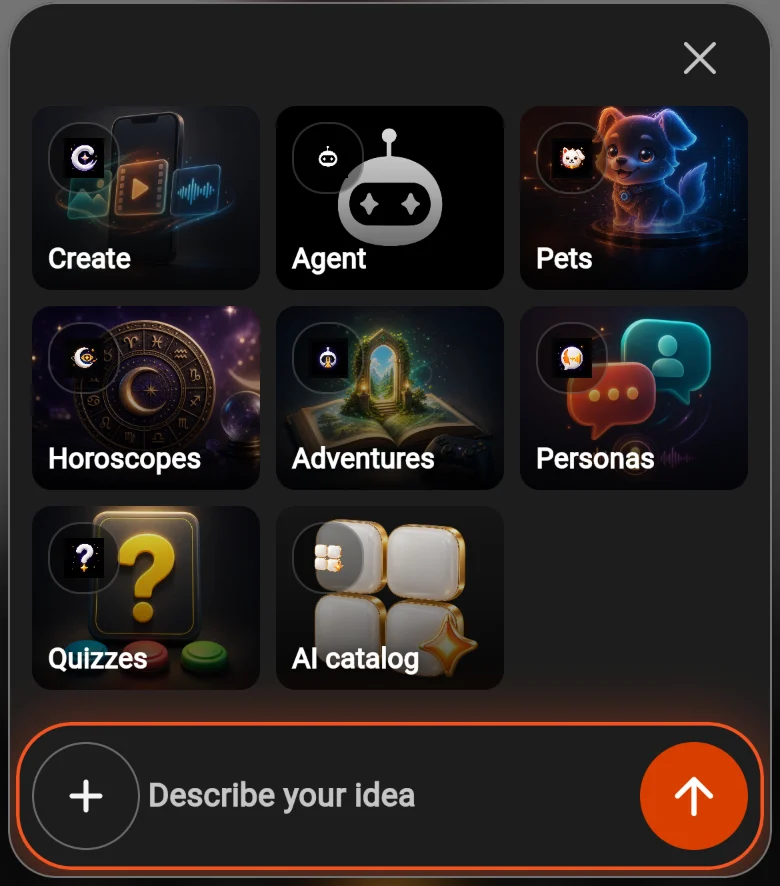
Describe your idea to start the Agent.
Explore
-
Browse when you don’t know what you want yet
Explore shows what you used recently, stories people made in Adventures, Popular quizzes, and big cards for each experience.
It’s a good place to find something to play or remix.
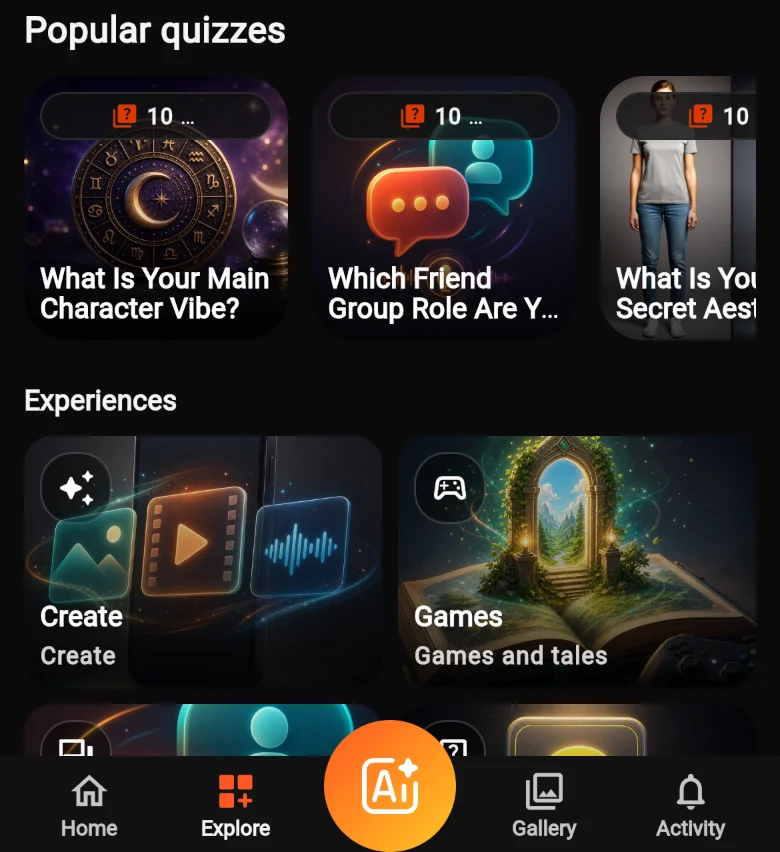
Quizzes and experiences in Explore.
The menu
-
Your account, points and settings
Tap ☰ at the top left. The menu has:
- Sign in, or your profile once you’re signed in
- Get PRO for more points and premium features
- Buy Points
- Every experience, and every main section
- Settings
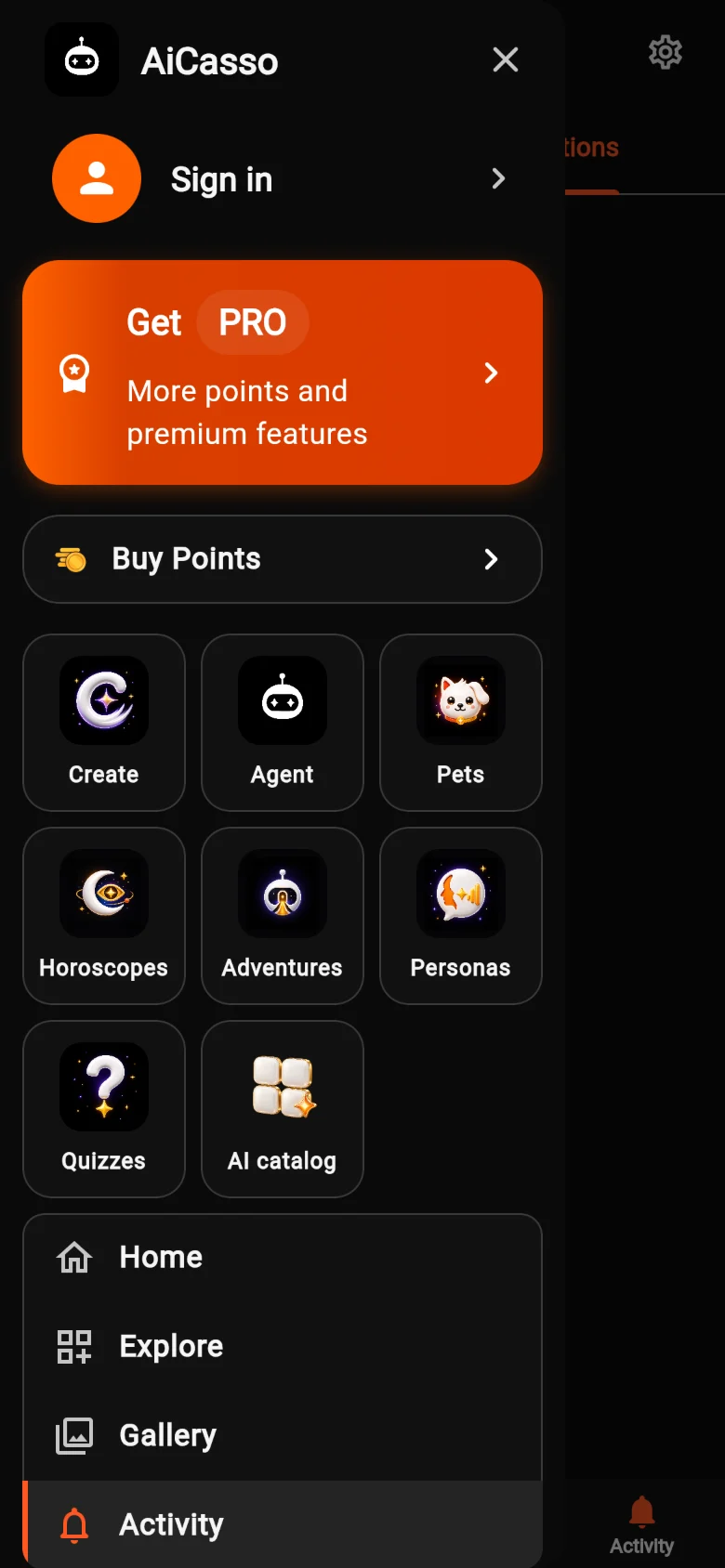
The menu opens from the top left.
Create
-
Pick a category, or just ask
The Create tile opens every creation tool, sorted into Categories: Audio, Avatar, Face, Image, Image Editing, Music, Style, Video, Video Editing and Video Extend.
Not sure which tool to pick? Use Ask AiCasso at the bottom and the Agent will choose for you.
The AI catalog at the top lists even more AI models.
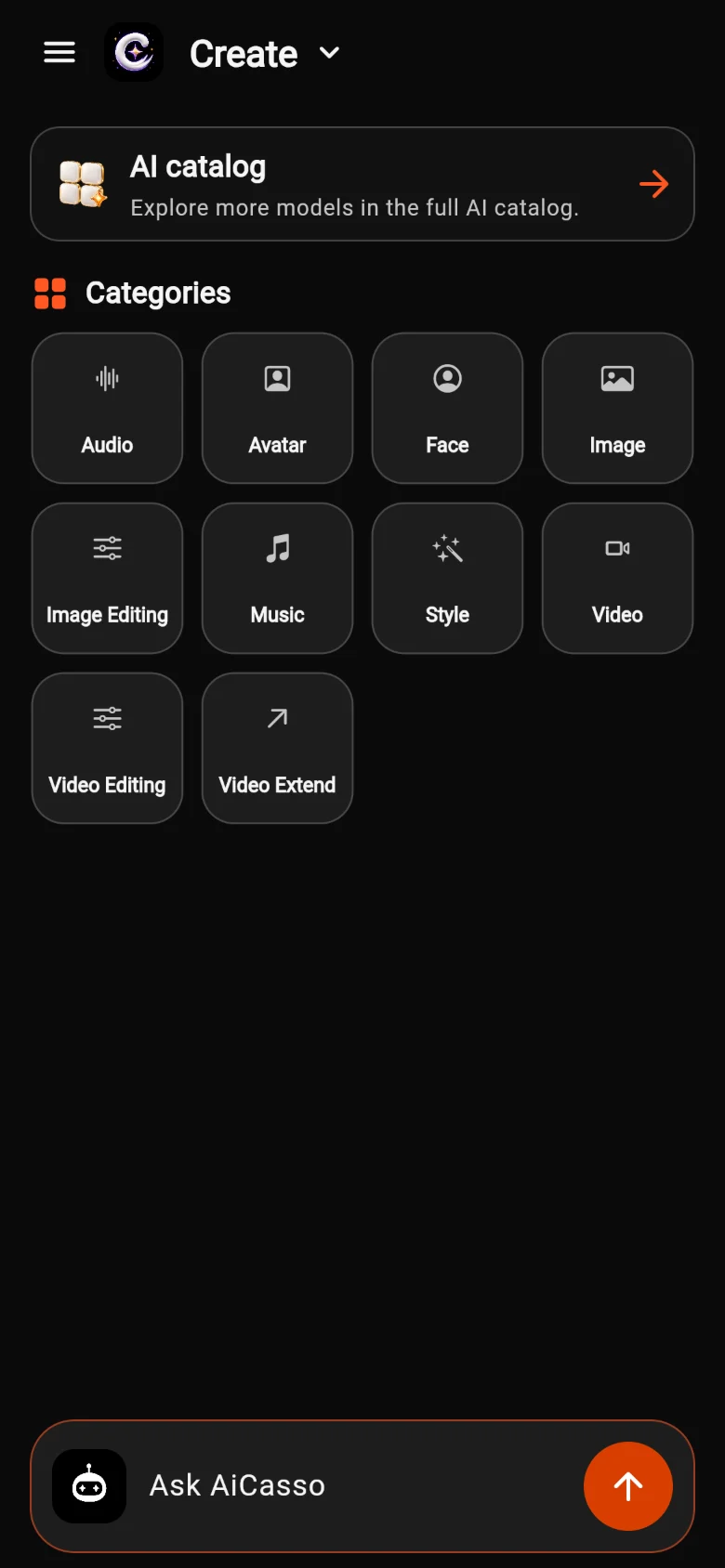
1 Ask AiCasso starts the Agent.
Signing in
-
Sign in when you’re ready to make something
You can look around without an account. When you open something that needs one, AiCasso asks you to Sign in.
Use Sign in with Google. On Apple devices you can also sign in with Apple. Or tap Continue as guest and sign in later from the menu.
Use the same account on the web, iPhone and Android to keep everything in one place.
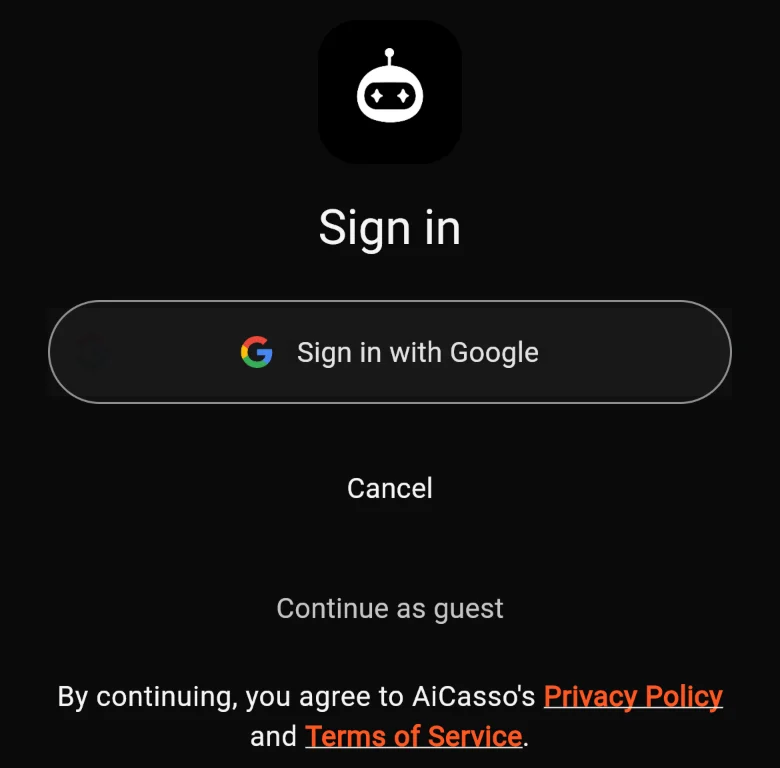
The sign-in screen on the web.